.png)
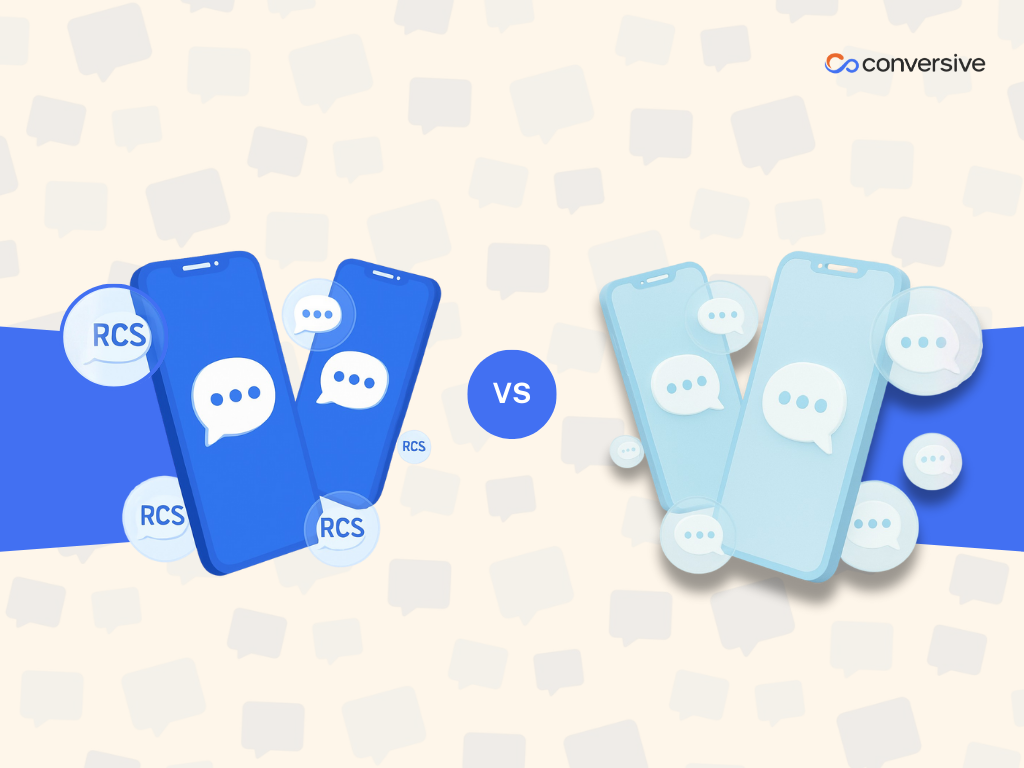
RCS vs SMS: Right Messaging Strategy for Your Business Communication
Discover when to use RCS or SMS for alerts, marketing, onboarding, or support, and how Conversive helps unify both with reach, UX, and compliance in mind.
SMS is reliable, fast, and works on every mobile phone. But there’s a newer option on the table, RCS (Rich Communication Services), that offers a far more interactive and branded experience.
So which one should you use?
We’ve worked with thousands of businesses across industries like healthcare, education, real estate, and financial services, and the truth is: most businesses don’t have to choose one over the other.
The right messaging strategy blends the reach and reliability of SMS with the rich features of RCS based on what you're sending, who you're sending it to, and what outcome you want.
In this guide, we’ll help you compare both channels, not just from a technical standpoint, but from a real-world business use case perspective. We’ll discuss when to default to SMS, when to layer in RCS, and how to make both work together without compromising on delivery, compliance, or customer experience.
So, let’s get started:-
What is the Difference Between SMS and RCS?
Both SMS and RCS let you reach customers on their mobile phones but they’re built for different things.
SMS (Short Message Service) is the standard. It sends short, plain-text messages (up to 160 characters) that work on any device - smartphone or not. It’s lightweight, doesn’t require data, and is supported by every carrier. That’s why it’s the go-to for critical alerts, one-time passwords (OTPs), fraud notifications, and compliance-driven updates.
RCS (Rich Communication Services) is like SMS on steroids. It enables messages with branded headers, carousels, images, buttons, typing indicators, and read receipts. It runs in the native messaging app (on Android, and soon on iPhones starting with iOS 18), giving users an interactive experience without downloading a separate app.
Here’s how we explain it to customers:
Use SMS when delivery matters. Use RCS when experience matters.
Both the channels complement each other. RCS gives your messaging the look and feel of an app, while SMS remains the failsafe that guarantees delivery when RCS isn’t supported.
Business Capabilities Comparison: SMS vs RCS
Let’s break down how SMS and RCS stack up across the areas that matter most for business messaging. If you’re trying to decide which to use, or how to use both, this comparison makes it easier:
While both SMS and RCS are designed for mobile communication, they serve very different purposes when it comes to business messaging.
Here's a closer look at how they compare across six core capabilities:
1. Content
SMS is limited to plain text and capped at 160 characters per message. If you want to include media (like images or videos), you typically add a shortened URL that links users to a web page. There are no interactive elements within the message itself.
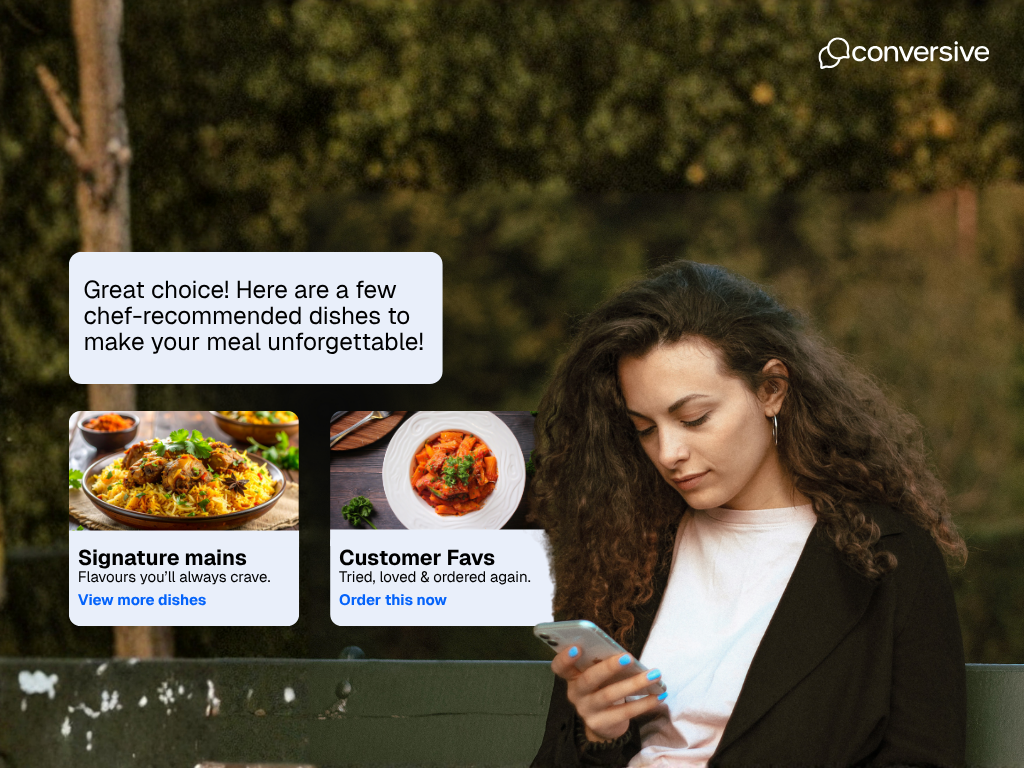
RCS, on the other hand, supports rich media formats such as images, GIFs, carousels, clickable buttons, quick replies, and more. It’s like giving your users an app-like experience inside their native messaging app.
2. Reach
SMS works on virtually every mobile phone, regardless of operating system, carrier, or whether the user has a data connection. That’s why it’s considered a failsafe channel. If someone has a phone, they can receive your SMS.
RCS depends on multiple factors: the device must support RCS (usually newer Android phones), the carrier must allow it, and the user must have enabled it. While coverage is growing, especially with Apple planning to support RCS from iOS 18, it’s still far from universal.
3. Branding & User Experience
SMS messages come from a generic sender ID, often a short code, toll-free number, or 10DLC number. There’s no way to add your logo, colors, or visual identity directly into the message.
RCS allows verified business profiles. This means your brand name, logo, and color palette can be displayed alongside your message, creating a much more trustworthy and professional experience similar to WhatsApp Business or Apple Business Chat.
4. Analytics
SMS provides basic tracking: delivery status, opt-outs, and (if you’ve added links) click-throughs. But it doesn’t tell you if the message was opened or read.
RCS gives you much deeper insights. You can see if a message was delivered, read, and which buttons or links were tapped. For marketers or product teams, this means better feedback loops and data-driven optimization.
5. Typical Strengths
SMS shines when you need reach and reliability: fraud alerts, one-time passwords, payment reminders, or other transactional notifications that must get through.
RCS is better suited for engagement-driven use cases: promotions, onboarding flows, interactive customer support, or anything where you want the recipient to interact directly with the message.
6. Ecosystem Maturity
SMS has been around for decades and is deeply integrated with legal, compliance, and delivery frameworks such as TCPA, 10DLC, CTIA guidelines, and SHAFT content restrictions.
RCS is still evolving. Google is leading much of the development, and Apple is just beginning its rollout. Standards like verified senders, message encryption, and delivery enforcement are improving but not yet as consistent or regulated as SMS.
Quick takeaway: If your message needs to reach everyone, go SMS. If your message needs to engage, add RCS.
When Should Businesses Prioritize SMS over RCS?
RCS is exciting, no doubt but it’s not the default for every situation. There are many scenarios where SMS is still the better (and sometimes only) option. Here’s when you should stick with SMS:
i) Critical or Compliance-Sensitive Messages
If you're sending messages like one-time passwords (OTPs), fraud alerts, system downtimes, or payment reminders, you need guaranteed delivery. These are time-sensitive and often regulated. SMS works across all devices and networks, even without a data connection. That makes it the safest channel for mission-critical updates.
ii) Low RCS Coverage in Your Target Market
Even though RCS adoption is rising, it’s still fragmented. Not every carrier supports it. Not every phone has it enabled. If your customers are spread across rural areas, older devices, or global markets with inconsistent RCS infrastructure, SMS is the only way to ensure consistent delivery.
iii) Your Tech Stack Is Built Around SMS
If your business already uses SMS for sending campaigns, managing opt-ins, and complying with rules like TCPA or 10DLC, transitioning to RCS may add unnecessary complexity. You don’t have to rebuild everything just for richer media, especially if engagement isn’t your primary goal for a given use case.
When Should Businesses Use RCS Messaging?
While SMS gives you reach, RCS gives you the power to create interactive, visual, and engaging mobile experiences. Here’s when it makes sense to lean into RCS:
i) You Want Interactive Customer Journeys
If you're guiding users through product discovery, appointment scheduling, onboarding steps, or post-purchase support, RCS can make those flows smoother and more engaging. Buttons, suggested replies, and image carousels let users navigate directly within the message. No extra clicks, no external links.
ii) You Want a Richer Messaging Experience Without Building an App
RCS gives you app-like features without requiring your customers to download anything. Messages show up inside their native SMS app, but with the same polish as WhatsApp or iMessage. That makes it ideal for teams that want better UX but don’t want the friction of a separate app or web page.
iii) You Have a Data-Driven Team
RCS delivers granular insights.
“Did the message get read? Did the user click a button? If yes, which one?”
If your team makes decisions based on engagement data, RCS helps you learn what’s working and iterate fast.
Bottom line: If your audience has the right devices, and you want to do more than just send a message, RCS is your tool for creating branded, conversational experiences.
How to Evaluate if Your Audience and Stack Are Ready for RCS
Before going all-in on RCS, take a few smart steps to evaluate if it fits your business, and your audience. Here's a practical framework we use with our own customers:
1. Segment Your Use Cases
Start by categorizing your messages:
- Transactional or urgent: These still belong to SMS. You want guaranteed delivery, not just a nice-looking message.
- Marketing or customer journeys: RCS shines here. Use it for promotions, onboarding flows, and support conversations, just make sure SMS fallback is in place.
2. Analyze Your Audience's Device and Carrier Mix
Check your CRM or product analytics. If most of your audience uses modern Android devices with carriers that support RCS, you’re in a strong position to experiment.
Apple is joining the party with iOS 18, but full rollout will take time. Until then, RCS remains Android-heavy.
3. Review Your Provider’s Capabilities
Not every messaging platform handles RCS well. Look for a provider that offers:
- Unified SMS + RCS sending
- Automatic fallback to SMS
- Shared analytics across both
- Consent and compliance management built in
If your provider makes RCS feel like an add-on, you’ll struggle to scale it properly.
4. Start Small, Test, Then Scale
Begin with A/B tests. Try RCS for a high-intent use case like abandoned carts or appointment confirmations.
Track things like:
- Click-through rates
- Button interaction
- Conversion rates
- Revenue per message
If you see a lift over SMS, roll it out wider.
RCS isn’t all or nothing. Start with use cases where experience matters more than reach, and build from there.
Why Use Conversive for a Unified RCS and SMS Strategy?
At Conversive, we’ve seen firsthand that the best messaging strategies don’t rely on just one channel. SMS gives you reach. RCS gives you experience. We help you bring both together without adding complexity or risk.
Here’s how we support your unified messaging approach:
i) Unified platform
Send both RCS and SMS from the same workflow. Conversive auto-detects device compatibility and falls back to SMS when RCS isn’t supported. No setup headaches for your team.
ii) CRM-native integration
Compose and send messages directly from your CRM (like Salesforce). Use prebuilt templates, audience segmentation, and automation triggers without switching tools.
iii) Rich media support
Embed images, buttons, quick replies, and carousels into your RCS messages which is great for onboarding flows, promotions, or customer support journeys.
iv) Compliance built in
We manage opt-ins, consent logging, and delivery compliance for TCPA, GDPR, and industry-specific regulations.
v) Industry-ready playbooks
Whether you're in healthcare, finance, education, or real estate, we offer tailored templates and pre-vetted flows that keep your communications sharp and compliant.
vi) Fail-safe delivery
Even if RCS fails, your message still gets through via SMS. That’s peace of mind built into every send.
Talk to Conversive Messaging Experts today to explore an RCS strategy that complements your SMS backbone.
Frequently Asked Questions
What is the main difference between SMS and RCS messaging?
SMS is plain text with near-universal delivery across all phones and carriers. RCS adds rich content like images, buttons, carousels, and brand verification but requires compatible devices and carrier support.
Will RCS replace SMS entirely in the future?
No. RCS complements SMS but doesn’t replace it. SMS remains the most reliable option for time-sensitive, compliance-critical messaging. Businesses will continue using both depending on context, audience, and goals.
Can Apple devices receive RCS messages?
Not yet. But that’s changing. Apple has announced RCS support starting with iOS 18. Until full adoption, most platforms (including Conversive) use automatic SMS fallback for iOS users to ensure reliable delivery.
Is RCS secure and compliant like SMS?
RCS offers some security improvements like verified sender identity and optional encryption but standards are still evolving. SMS is currently more mature from a compliance standpoint, especially for frameworks like TCPA and 10DLC.
Can I use RCS for transactional messages like OTPs?
Technically yes, but it’s not recommended. SMS is better suited for OTPs, alerts, and critical notifications due to its universal reach and delivery reliability. RCS is best reserved for journeys that benefit from interactivity and branding.


.png)