.png)
How to Integrate Facebook Messaging with Salesforce
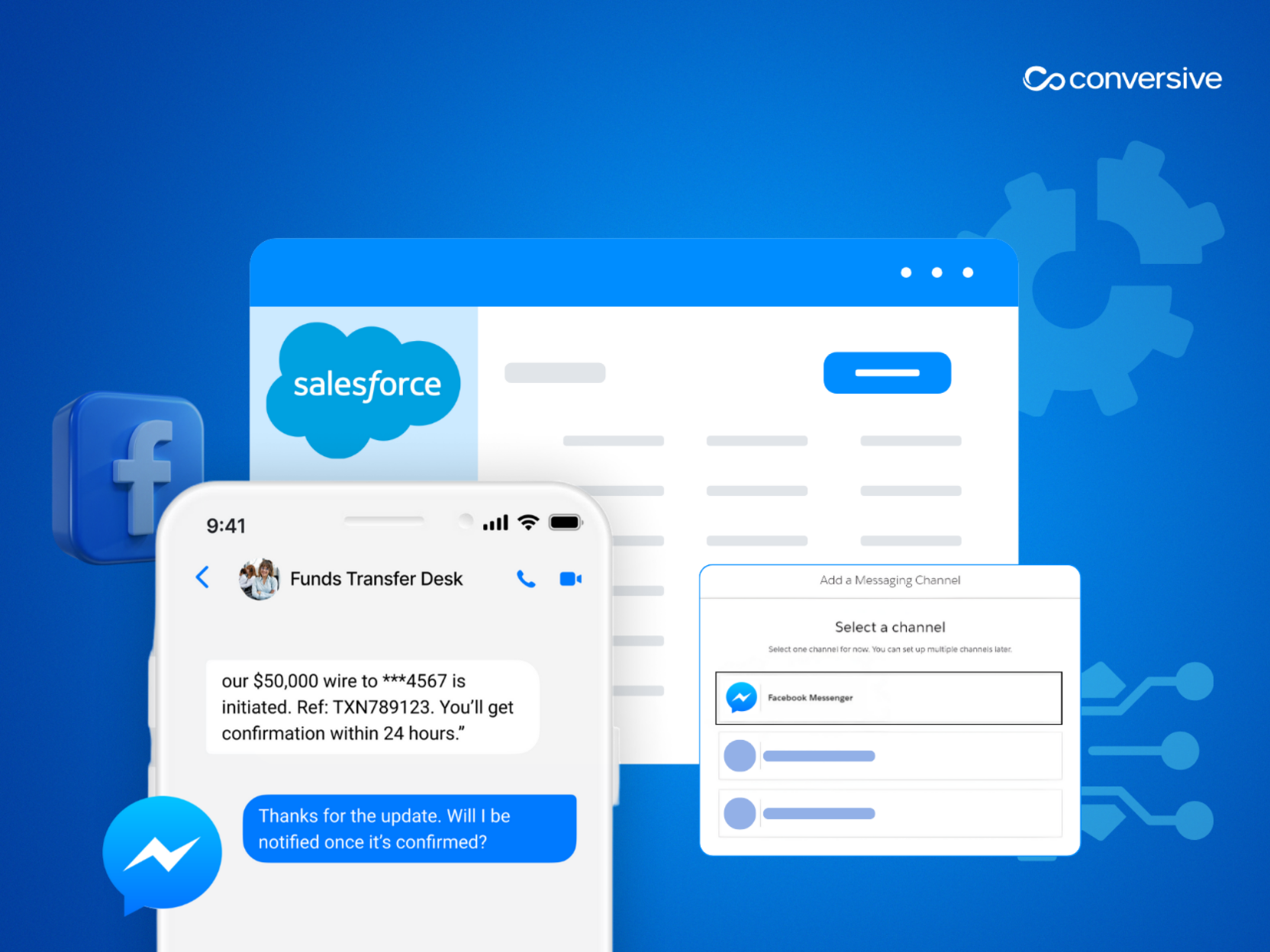
Learn how to integrate Facebook Messenger with Salesforce using Digital Engagement or Conversive for lead-gen, automation, and compliant messaging.
At Conversive, we often get this question: How do we connect Messenger to Salesforce without losing context, automation, or compliance? We see this all the time that teams run high-intent Facebook campaigns, but don’t have a structured way to capture or respond to leads inside Salesforce.
And frankly, there’s no single “best” way to integrate Facebook Messenger with Salesforce. It depends entirely on your goals.
Are you supporting customers in real time? Running lead-gen campaigns across multiple Facebook Pages? Trying to automate follow-ups?
In our experience, teams usually fall into one of two camps:
- Those who need agent-led support inside Salesforce Service Cloud.
- Those who want to automate marketing and lead capture across channels.
Salesforce supports both, but through different tools:
- Salesforce Digital Engagement is best for teams already using Service Cloud for reactive support. It’s natively built, works well for one-to-one agent chats, and keeps everything logged under Cases.
- Third-party AppExchange tools, like Conversive, are built for broader workflows such as automated campaigns, lead capture, CRM integration across Sales or Marketing Cloud, and multi-channel messaging (SMS, WhatsApp, Messenger).
We’ll walk you through both approaches next, starting with the native Salesforce option.
Option 1: Native Integration via Salesforce Digital Engagement
If your priority is real-time, agent-led support, especially within Service Cloud, Salesforce’s Digital Engagement add-on is the most direct way to connect Facebook Messenger. We’ve seen it work well for service desks and contact centers that already rely on Omni-Channel routing and the Service Console.
With this setup, each Facebook Page becomes a channel that routes incoming messages to available agents. Conversations appear right inside the console, and agents can respond in real time, just like they would for live chat or SMS.
But there are a few things to know upfront:
- You’ll need both Service Cloud and a Digital Engagement license.
- Messenger is connected through Enhanced Facebook Messenger setup, which supports one Facebook Page per channel.
- Routing is handled by Omni-Channel, so agents are assigned based on availability and skills.
- Facebook’s 7-day reply window still applies here. After that, no new messages unless the user replies again.
This method is optimized for short, reactive service flows. It’s not built for proactive outreach, automation, or campaigns.
If your use case is limited to support and you’re already using Service Cloud, this route keeps things simple and centralized. But for lead-gen, marketing, or multi-page messaging, you’ll likely need more flexibility.
Option 2: Third-Party Integration via AppExchange
When your messaging goals go beyond support like capturing leads, sending follow-ups, or running campaigns across multiple Facebook Pages, native Salesforce tools quickly hit their limits. This limit can easily be overcome with AppExchange solutions like Conversive.
If you're managing multi-channel outreach, automating reminders, or syncing messaging with Marketing or Sales Cloud, Conversive offers the control and flexibility that Digital Engagement doesn’t.
Here’s what you get with Conversive:
i) Multi-page support
Run Messenger workflows across several Facebook Pages which is ideal for organizations with regional or franchise-level presence.
ii) Marketing automation
Trigger messages based on form fills, abandoned inquiries, or CRM activity. No developer needed.
iii) Unified messaging
Handle SMS, WhatsApp, and Facebook messages in one place with Salesforce as the single source of truth.
iv) CRM integration beyond Service Cloud
Connect Messenger to Sales Cloud, Marketing Cloud, or Education Cloud.
v) Campaigns and broadcasts
Send compliant messages at scale, with opt-in tracking and audit logs built in.
If you’re running any kind of Facebook-driven lead-gen or lifecycle messaging, this is the recommended approach. It’s scalable, compliant, and designed for outcomes, not just responses.
When Should You Use Native vs. Third-Party Integration?
The decision eventually comes down to one thing: your use case. At Conversive, we’ve helped teams make this call across industries, and the difference is usually clear once you define what you need to do with Messenger.
If you're focused on agent-led support, Digital Engagement gives you just enough: real-time routing, case logging, and compliance out of the box. But if you're running multi-channel campaigns, capturing leads, or managing Messenger across multiple Facebook Pages, you'll quickly hit its limits.
Here’s how the two approaches stack up:
If your goals include marketing automation, lead qualification, or follow-ups, Conversive is the better fit. It’s built to turn Messenger into a strategic growth channel—not just a reactive support inbox.
How to Integrate Facebook Messenger with Salesforce Using Conversive
If you're looking for a scalable way to bring Facebook Messenger into Salesforce, for lead capture, follow-ups, or multi-page campaigns, Conversive makes the process fast, compliant, and code-free.
Here’s a step-by-step guide we typically walk clients through:
1. Install Conversive from AppExchange
Head to Salesforce AppExchange and install the Conversive package into your Salesforce org. It’s 100% native, so setup is smooth for admins. No external connectors or custom code required.
2. Connect Your Meta Business Account
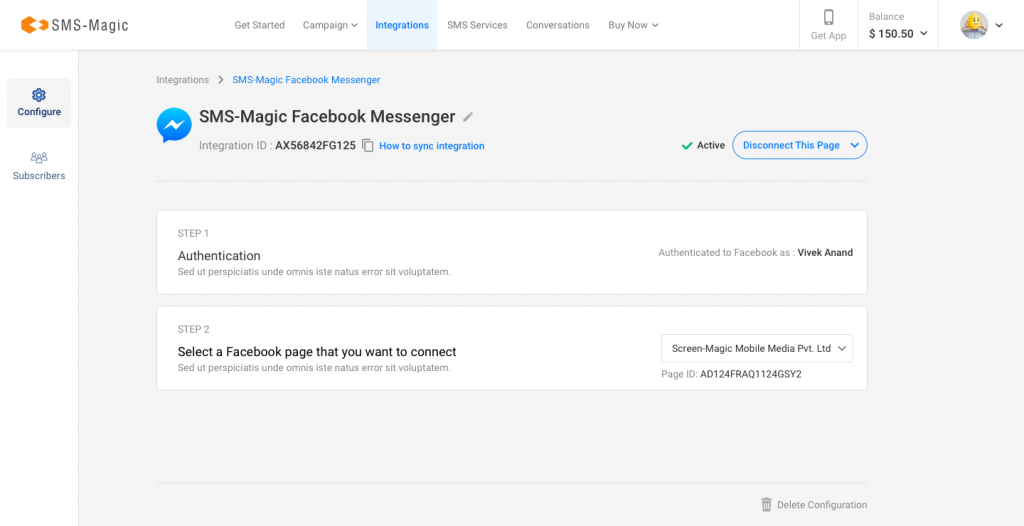
In Conversive’s setup panel, you’ll find a guided UI to connect your Meta Business Manager. You’ll select the Facebook Page(s) you want to integrate and authorize Messenger as a messaging channel.
Tip: You can connect multiple Pages; perfect for franchises, departments, or regional campaigns.
3. Configure Consent & Compliance Settings
Before messaging begins, Conversive prompts you to set up opt-in tracking, 10DLC registration (if needed for SMS), and channel-level audit logs. This ensures every message sent from Messenger is fully compliant.
4. Define Your Workflows in Converse App
Using the no-code Converse App, you can create automations like:
- Auto-responses when someone messages your Page
- Lead qualification flows triggered by keywords
- Follow-up reminders tied to Salesforce status fields
5. Route Conversations with Converse Desk
All incoming Facebook messages show up in Converse Desk, alongside WhatsApp, SMS, and web chat. Your agents can prioritize, tag, and respond to conversations without ever leaving Salesforce.
6. Capture Leads and Sync to CRM
Leads from Messenger are captured directly into Salesforce Leads, Contacts, or Cases depending on your setup. You can trigger emails, assign follow-ups, or move them into campaigns.
With Conversive, almost no dev time required. Most teams go live within a day, with full auditability and CRM sync out of the box.
Why Choose Conversive for Facebook + Salesforce Integration
If you operate in a regulated, high-touch industry like healthcare, education, law, or financial services, you likely need compliant, context-aware messaging that scales. That’s where Conversive excels.
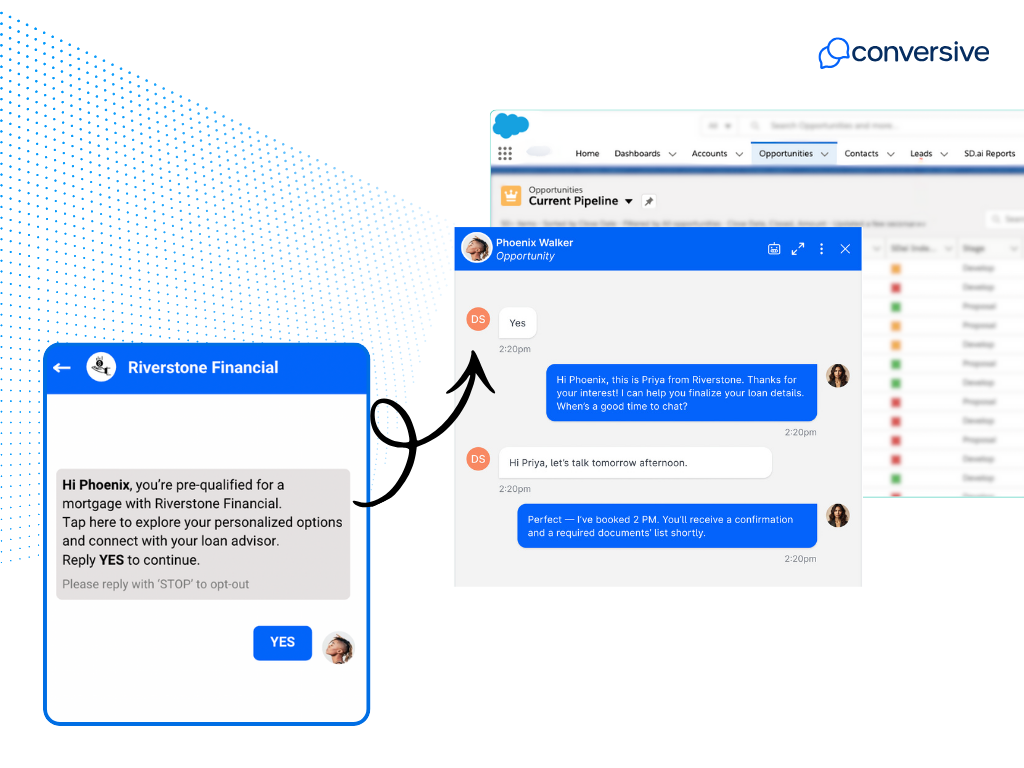
Because it’s 100% Salesforce-native, Conversive works across Sales, Service, Marketing, and Education Clouds with no connectors or third-party CRMs required. Conversations from Facebook Messenger are automatically tied to the right Lead, Case, or Opportunity keeping everything in one system of record.
Conversive helps you qualify leads, automate follow-ups, and prevent drop-offs. Its AI-powered flows and co-pilots are tuned for industries where timing, personalization, and compliance make or break outcomes.
And because we help you stay compliant, you get peace of mind around opt-ins, channel rules, and auditability from day one.
Teams that adopt Conversive typically see:
- Faster response times and higher conversion rates
- Up to 3x more inquiries handled per agent
- Unified workflows across SMS, WhatsApp, and Messenger
- Full audit trails and consent tracking for every message
- Seamless go-live with no developer involvement
If you’re scaling Messenger as a business channel, Conversive gives you the tools to do it intelligently, and the infrastructure to do it right.
If you’re looking for a compliant, scalable way to integrate Facebook Messaging with Salesforce, Conversive makes it possible without adding complexity or compliance risk.
Book a demo with Conversive to see how Facebook Messenger conversations can become part of your conversion engine.
Frequently Asked Questions
What are the ways to integrate Facebook Messenger with Salesforce?
You can use Salesforce’s native Digital Engagement module for agent-led support workflows, or opt for a third-party AppExchange app like Conversive if your focus is on lead generation, marketing automation, or multi-channel messaging.
What is Salesforce Digital Engagement and how does it support Facebook Messenger?
It’s an add-on to Service Cloud that lets agents respond to Facebook Messenger (and other channels) from within the Salesforce Console. It uses Omni-Channel routing and supports real-time, case-based support conversations.
How do third-party AppExchange tools compare to native Salesforce options for Facebook Messaging?
Third-party tools like Conversive go beyond case support. They offer automation, multi-page management, campaign orchestration, and integration with Sales and Marketing Cloud. They’re purpose-built for scale and proactive outreach.
When should I use native Salesforce integration vs. a third-party app for Facebook Messenger?
Use native Digital Engagement if your needs are limited to one-to-one support inside Service Cloud. Use Conversive if you need to automate workflows, manage campaigns, or unify messaging across Messenger, WhatsApp, and SMS.
How does Conversive support Facebook Messenger integration?
Conversive allows you to run two-way Messenger conversations from inside Salesforce, trigger automation based on CRM data, and stay compliant with opt-in rules, audit logs, and Facebook’s policies.


.png)

Explore More

.avif)

